Just start talking.
Choose Start a conversation and ask anything below. Topics take shape as you explore different subjects. Open one whenever you want to focus.
Open the workspaceA workspace for connected thinking
Studying a subject. Planning a trip. Working through an idea.
Whatever you’re talking about, Threadline organizes the subjects in your conversations so you can pick up where you left off.
Your own private workspace · No extension needed
Create an account · Sign in · Already signed in? Go to your workspace.
Inside Threadline
Real app screens · Fictional project
A launch plan is just one example.
Select a chapter, or watch the sequence.
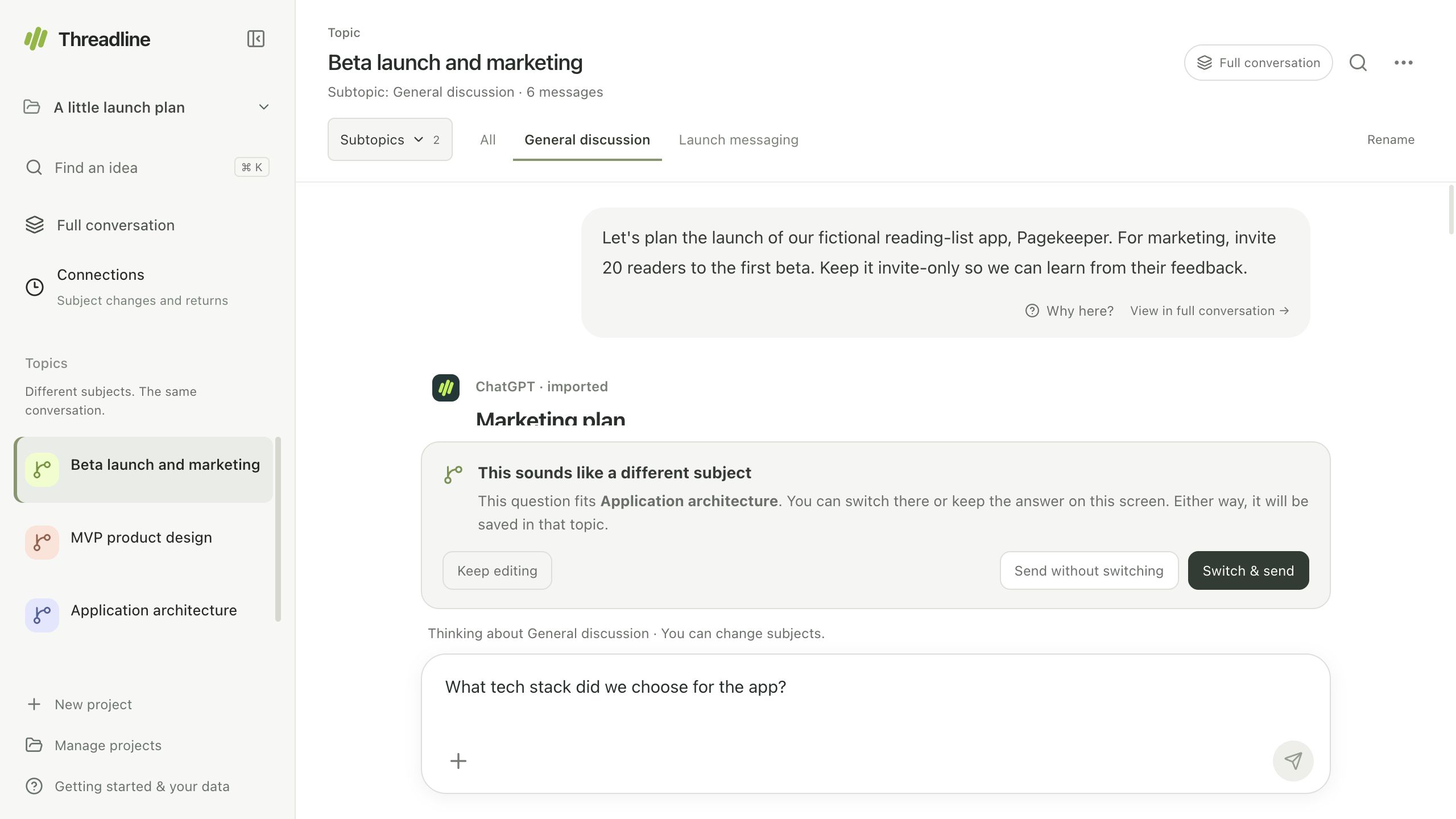
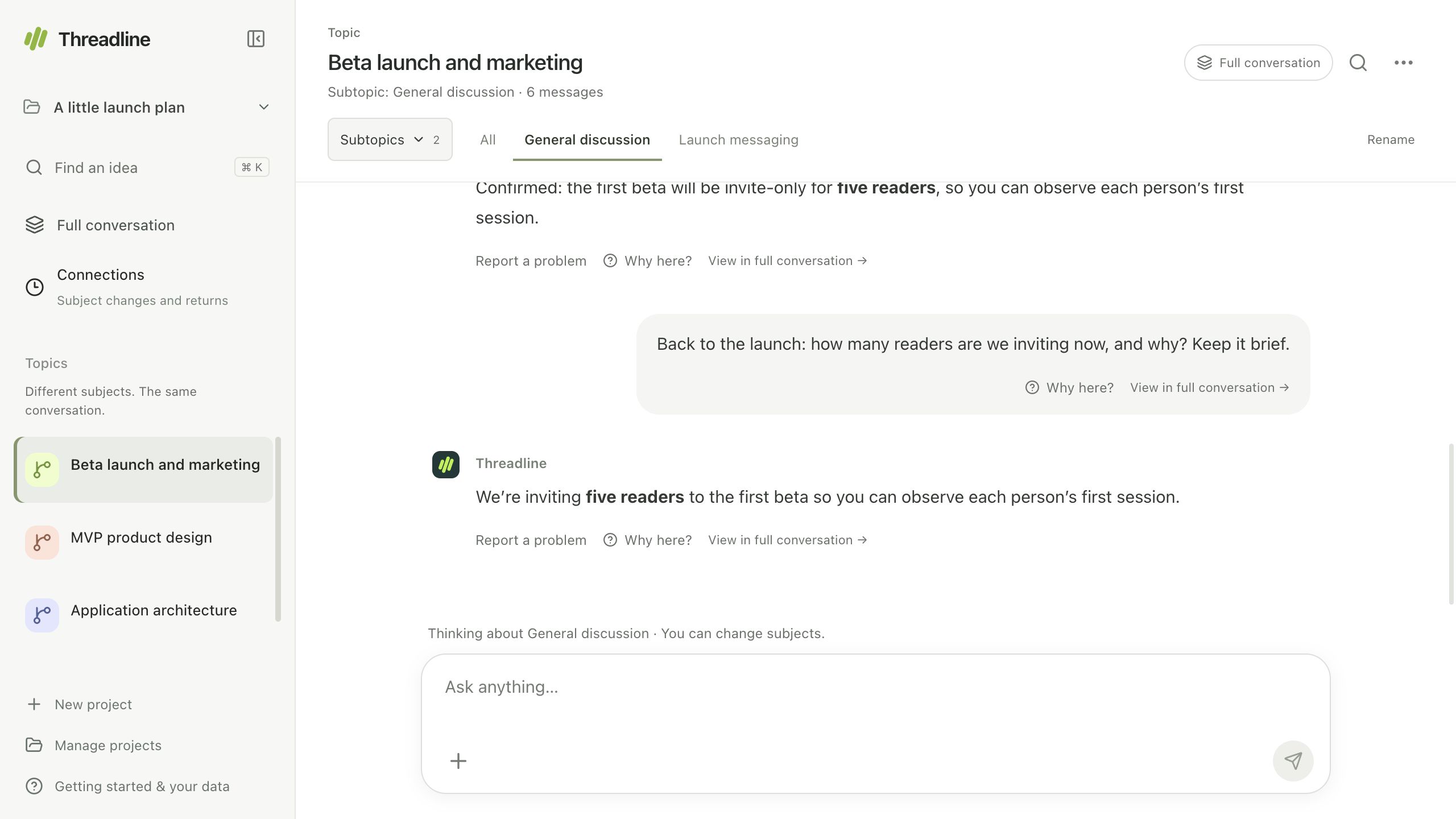
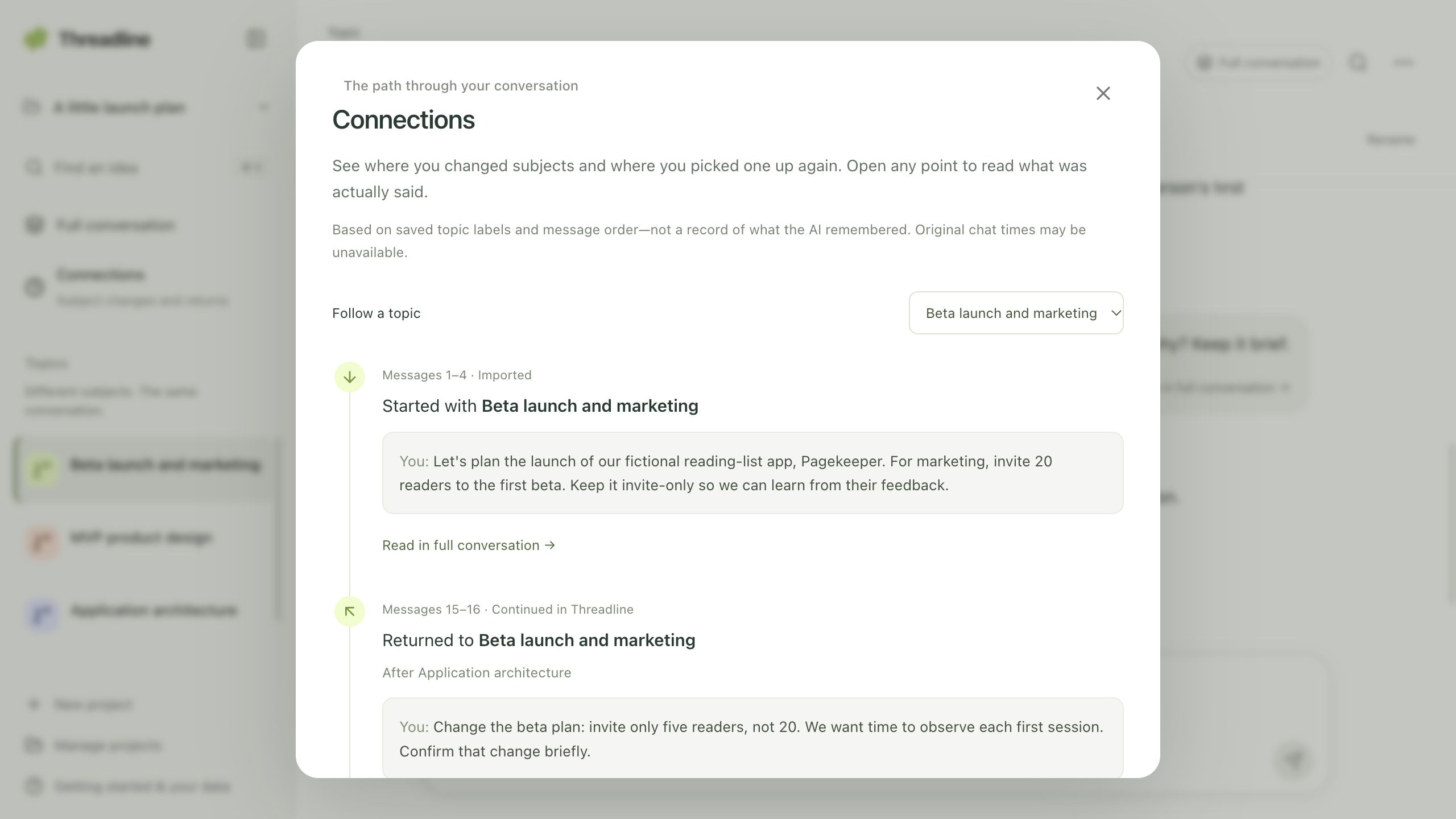
Captured in our real app with a fictional launch-plan project—just one example of the conversations you can organize. This is a screen sequence, not a live AI session. Playback is shortened; answers and routing can vary.
Less organizing. More thinking.
A biology question leads into statistics. A marketing idea leads to an engineering discussion. Whatever the subject, you can follow the detour and come back. Threadline gives each subject a place while keeping the full conversation together.
When you’re learning
When you’re working
Your way in
A new thought or months of work.
You don’t need the extension to begin.
Choose Create an account to check signup availability, or Sign in if you already have an account. Use your Threadline email and password. No ChatGPT account is required. Once signed in, start a fresh conversation or import a ChatGPT ZIP/JSON export.
Your chats and files belong to your own workspace. Need help with signup, email verification or your password? Contact support.
Choose Start a conversation and ask anything below. Topics take shape as you explore different subjects. Open one whenever you want to focus.
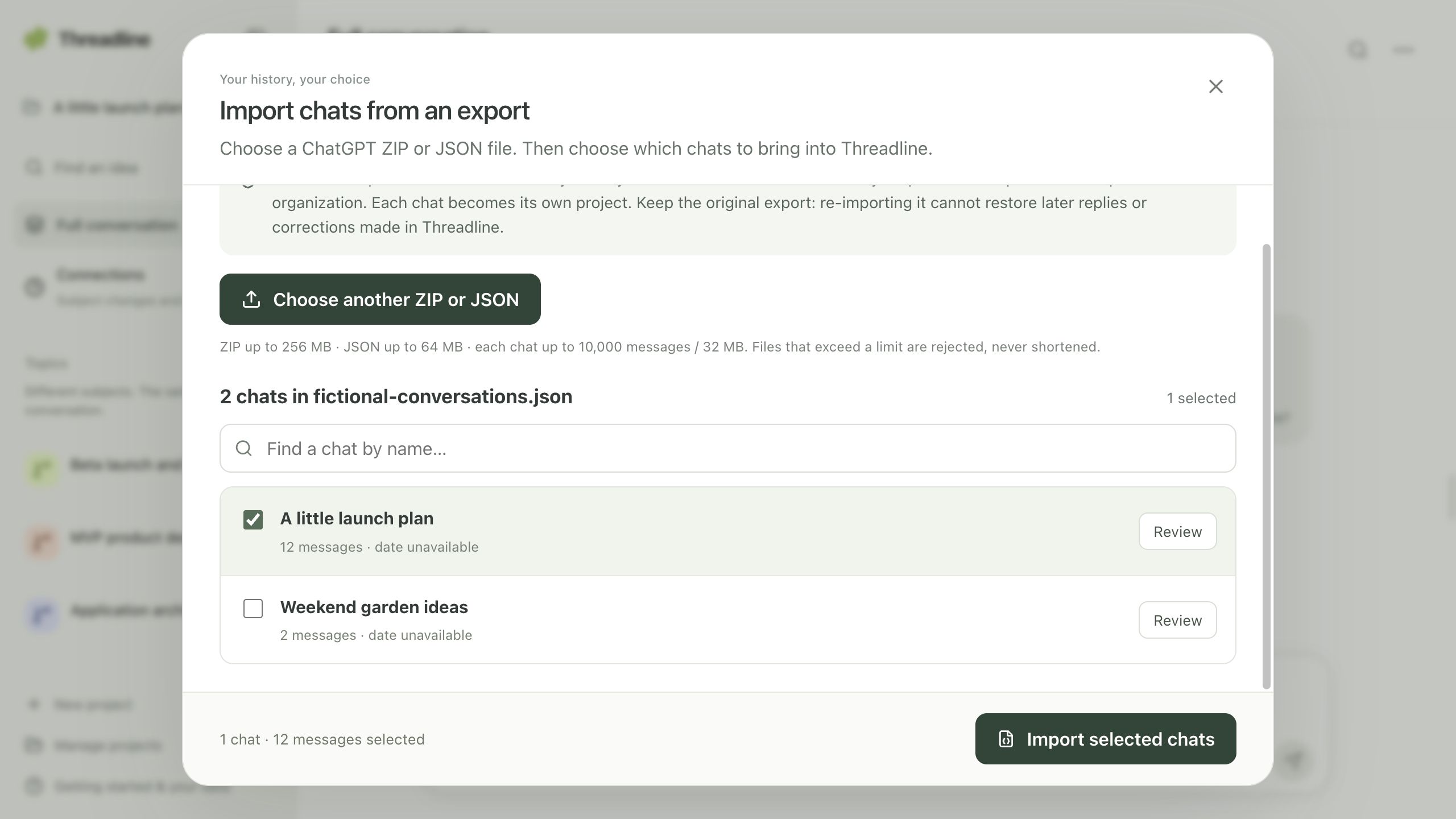
Open the workspaceChoose a ChatGPT export ZIP or JSON file. Preview its chats, select the ones you want, then organize and continue them in Threadline.
See the import stepsThe Chrome extension captures a ChatGPT conversation for review and lets you manually sync new messages later. You can use the app without it.
View in Chrome Web StoreInterrupted? Return to the same import screen to resume an unfinished import. Keep the source export; check any warning before treating a conversation as complete.
Signing in does not automatically import your ChatGPT history or memory. Imported attachment labels do not automatically bring in the original files; upload supported files separately.
Pick up the thought, not just the topic
Threadline looks for relevant earlier exchanges and later corrections, so a return to an old subject can reflect what changed along the way.
Bring PDFs, notes, or screenshots into the discussion. Inspect linked sources. Correct a topic when it lands in the wrong place. You stay in control of the context.
A few honest boundariesLet’s leave for our trip on Saturday.
Actually, Sunday. We have a family event on Saturday.
Sunday—the updated plan, after the family event.
Relevant history matters. The newest message isn’t always the whole story.
Not just for one kind of thinker
Move from algebra to geometry, then return to the explanation you were working through.
Discuss a document, explore another angle, and return to an earlier idea with its source available.
Plan a trip, compare places to stay, and return to your packing list. Keep the decisions together as your plans change.
Saved chats and files are account-scoped. Other projects are added to a reply only when you select them.
Topic corrections change the organization, not the imported source text. Capturing a chat does not edit it in ChatGPT.
Download a manual project backup with chats, uploaded files, and corrections. Restore it as a separate project. Backups are unencrypted—keep them secure.
Relevant chat and file content is processed by OpenAI to organize conversations and answer questions. This is not local-only AI.
Before you begin
No. Start a conversation directly in Threadline or import a supported ChatGPT ZIP/JSON export. To capture the ChatGPT chat you have open, use the optional Threadline Conversation Bridge extension. See the install and capture steps.
Choose Create an account to check signup availability. New accounts verify their email before entering their own workspace. Signing up does not import chats or grant access to anyone else’s data.
Both work together. You can start and continue conversations inside Threadline. It organizes related subjects into topic views while keeping the full chronological conversation available.
No. Threadline selects relevant available history, including older decisions and later corrections, for a reply. It can miss context and can make mistakes. It does not inherit your native ChatGPT account memory, connected apps, or files that were never imported or uploaded. You can inspect sources and correct its understanding.
No. Extension capture and sync are manual, reviewed, and one-way into Threadline. Replies written in Threadline are not sent back to ChatGPT. Partial captures are labelled, and missing history is not invented.
Text-based PDFs, text and Markdown notes, and PNG, JPEG, or WebP images. Image analysis asks for consent. File and size limits apply; scanned-PDF OCR, image generation, and interactive ChatGPT widgets are not supported.
One conversation. Every subject ready to continue.
Open ThreadlineYour own private workspace · No extension needed